Loved by Canadian SMBs & Entrepreneurs
Take Control of Your
Bookings with SunBait Time
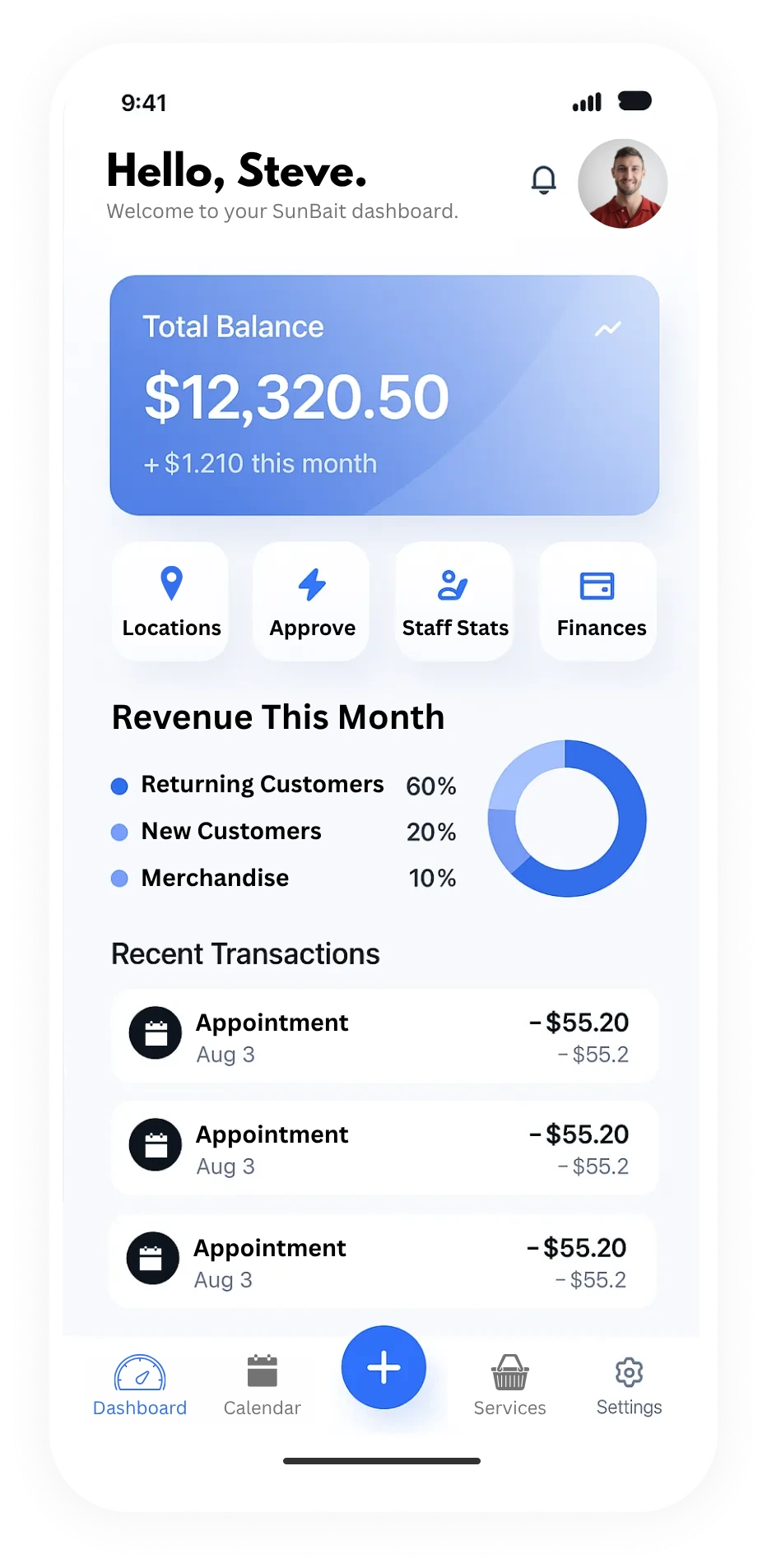
Fill your calendar, automate bookings and reminders, and increase revenue with memberships and packages. Run your business smarter, faster and stress-free.
No credit card required
Scale Booking Operations with Confidence
Discover our innovative features designed to revolutionize your booking management.
24/7 Booking Sync
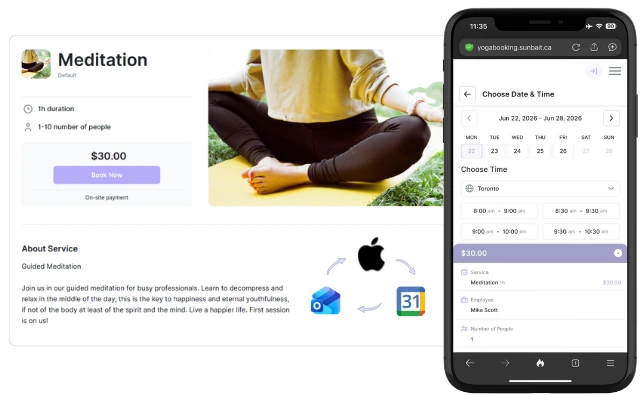
Let clients book 24/7, while two-way calendar sync with Google, Apple, and Outlook automatically updates your calendar when they cancel or reschedule—preventing double-bookings and keeping you in sync.
No‑Show Prevention Alerts
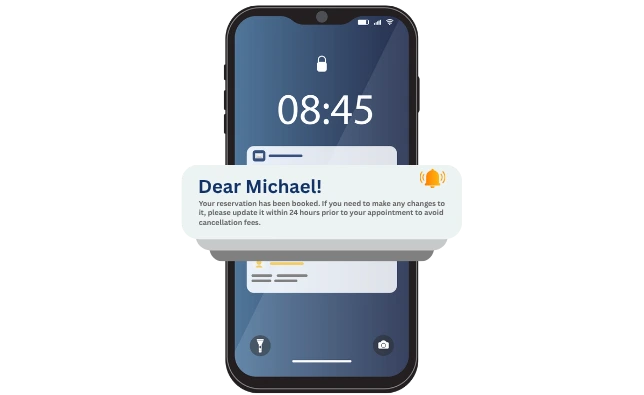
Send automated SMS and email confirmations, reminders, and follow‑ups to cut no‑shows, save staff hours, and protect your revenue.
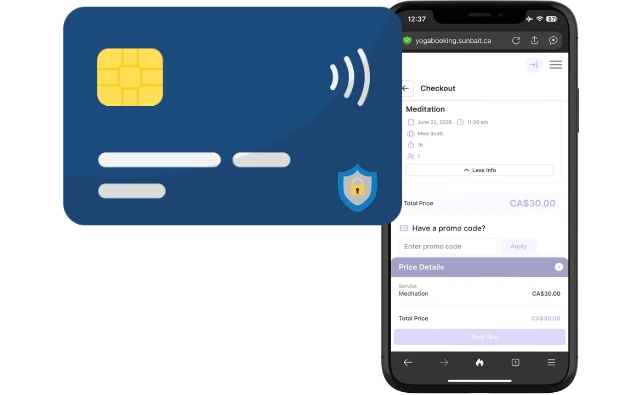
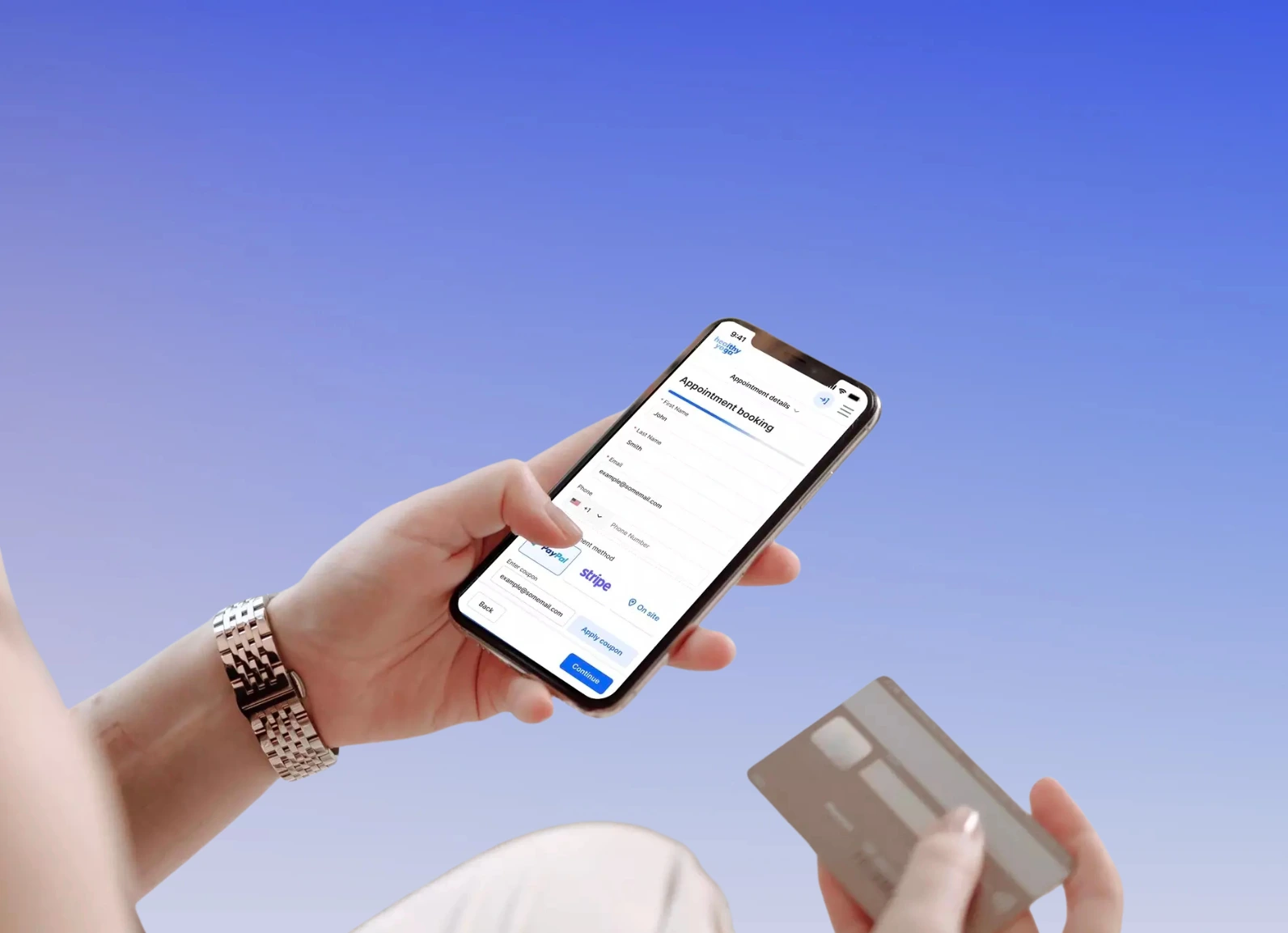
Secure Payments & Packages
Collect deposits, one‑time payments, and memberships securely, sell packages with ease, and improve cash flow without extra admin.
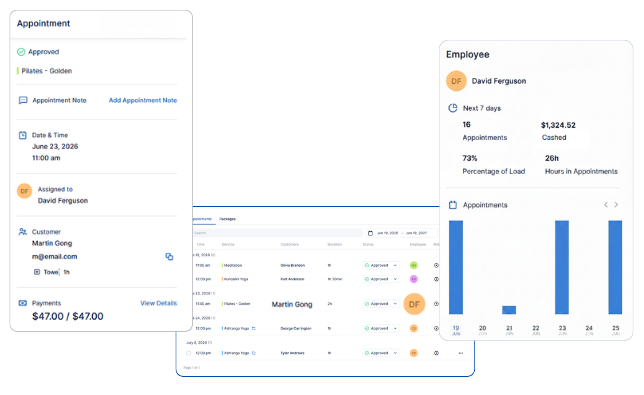
Smart Staff Routing
Auto‑assign appointments by staff, skill, location, or territory, manage availability across teams, and optimize schedules for maximum efficiency.
How It Works
A simple, step-by-step process to get you started and managing your booking in no time.
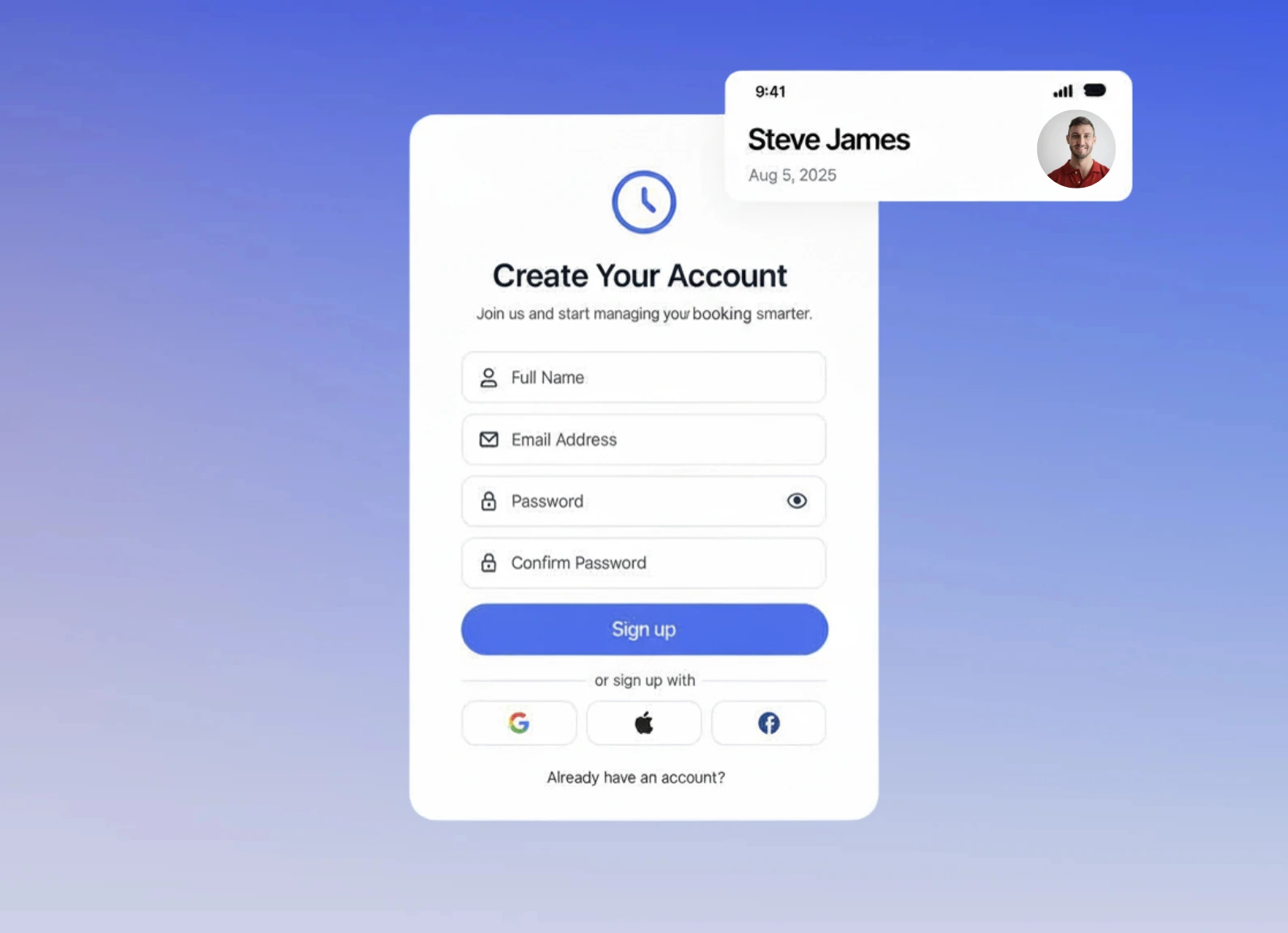
Sign Up in Minutes
Create your SunBait account and business details.
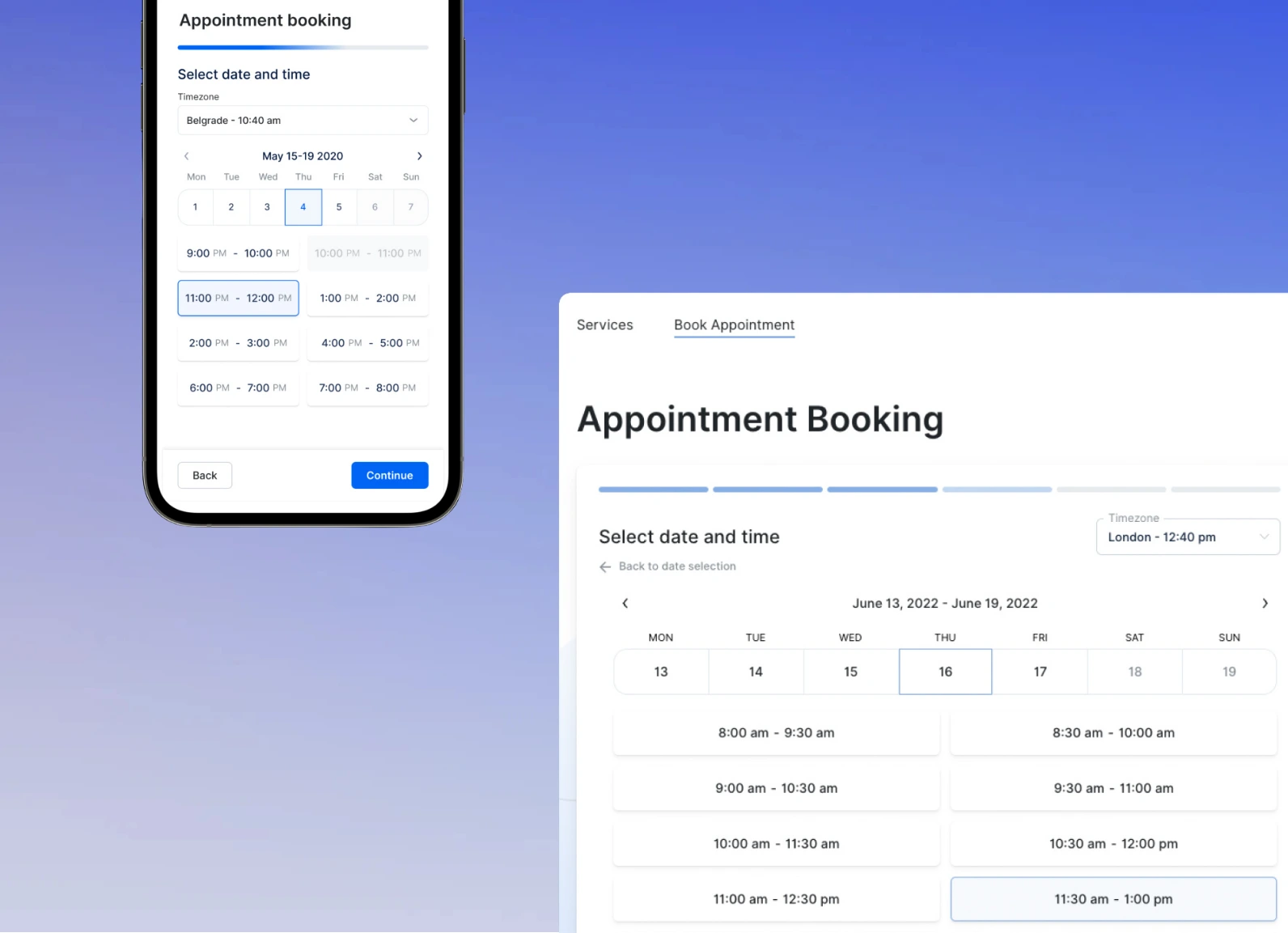
Set Up Your Team & Calendars
Add your team, set availability, create services, and enable two‑way calendar sync.
Accept Payments & Track Revenue
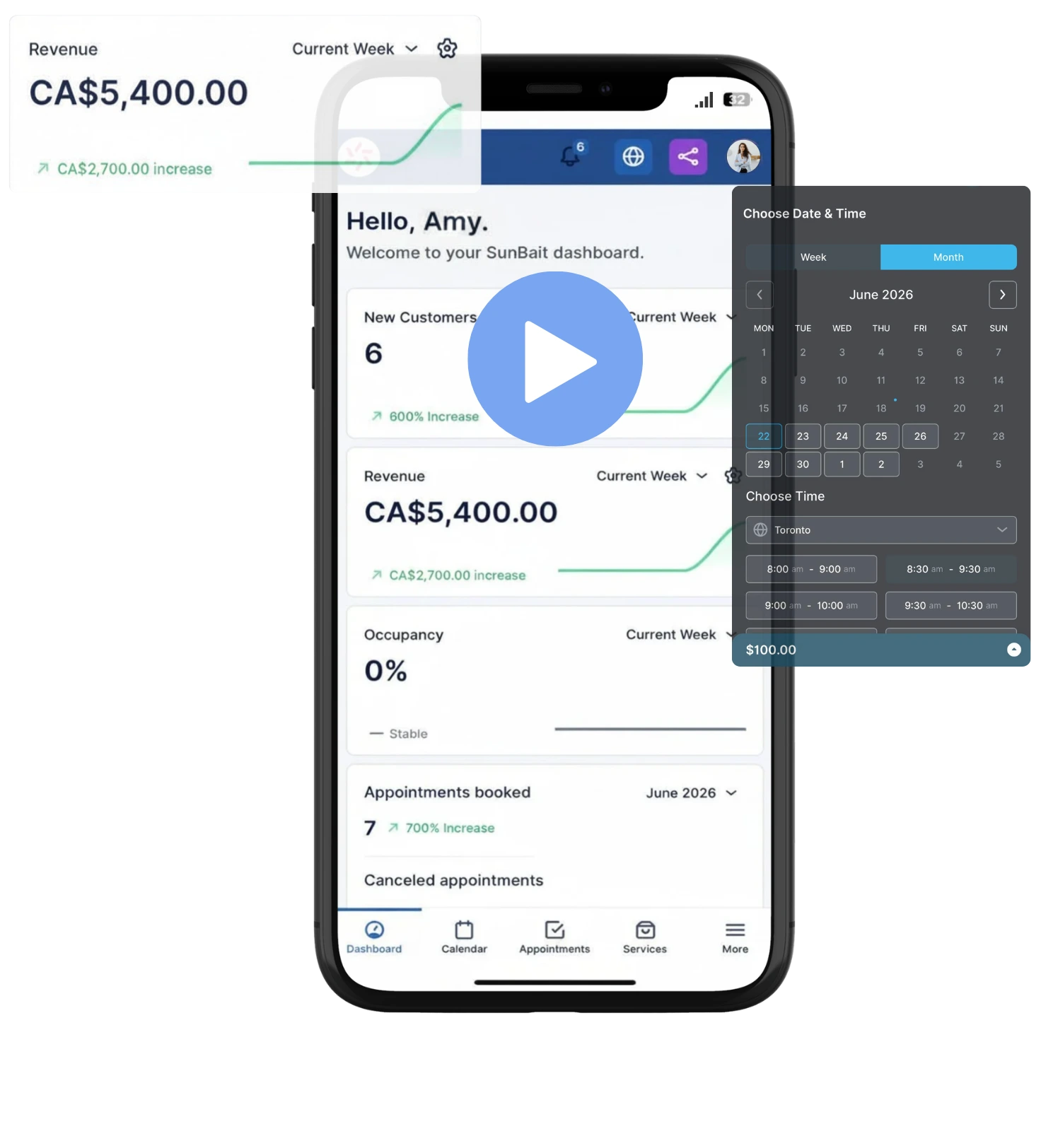
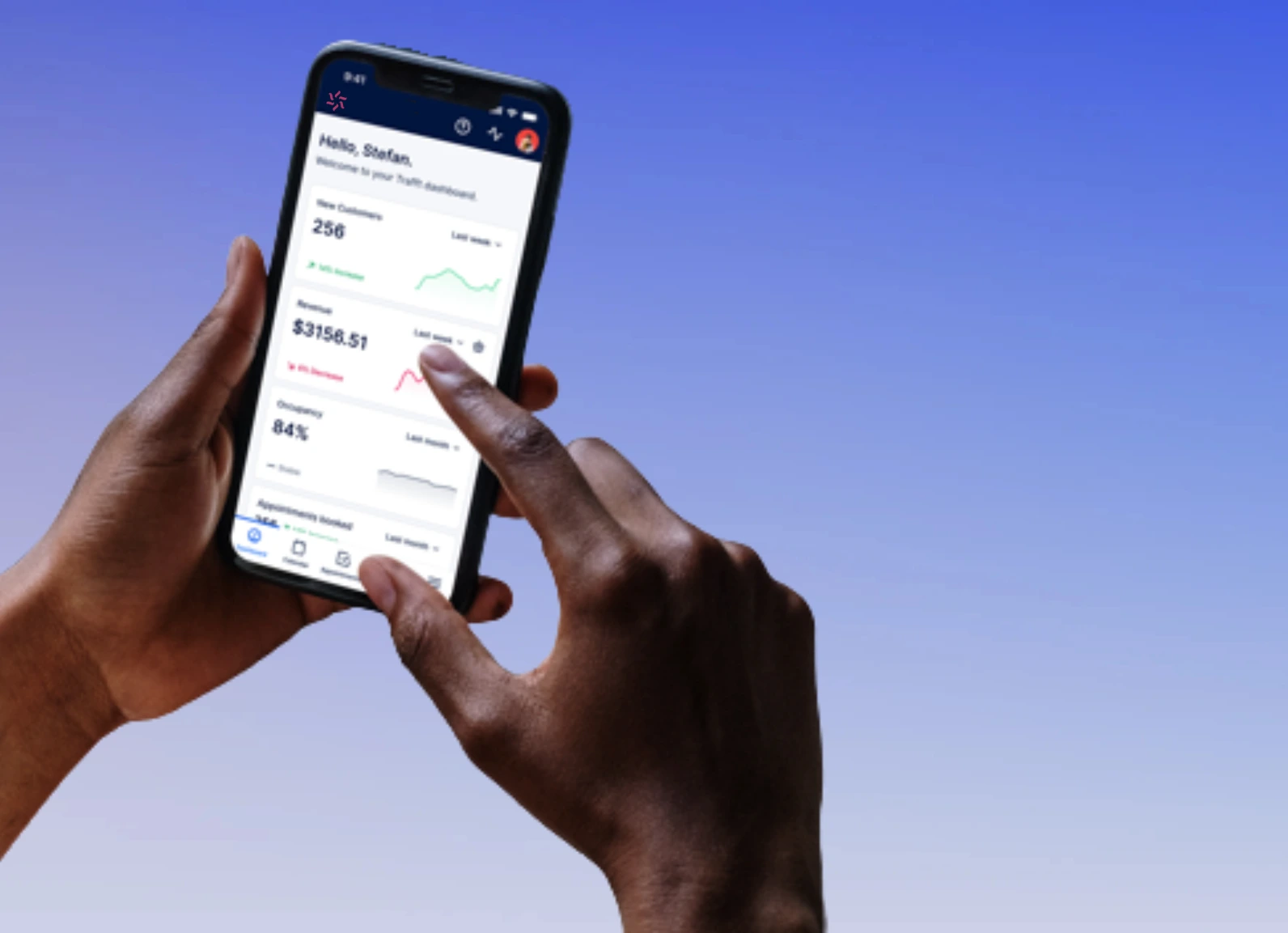
Enable payments, collect deposits, and track revenue from bookings in one dashboard.
Stay in Control Anywhere
Access bookings, staff schedules, and payments from any device so you can manage your business on the go.
What Our Customers Say
Halved Admin Time
"SunBait booking cut our admin time in half. Calendar sync stopped double-books and reminders slashed no-shows."

Sarah M.
Salon Owner
Quick Team Adoption
“Easy to set up and our team picked it up fast. Clients love the mobile booking page. Revenue is up.”
Dan S.
Personal Trainer
Seamless Payments
"Payments are seamless and deposits reduced last-minute cancellations. The dashboard makes tracking simple."

Priya K.
Wellness Studio Owner
Solved Scheduling Chaos
"Smart staff routing finally fixed scheduling headaches across two locations. Support was helpful and fast."

Leo R.
Home Services Manager
No-Show Reduction
"Automated reminders saved us so much time and we saw a noticeable drop in no-shows within weeks."

Hannah T
Therapy Clinic Director
Branded Booking Pages
"Customizable booking pages match our brand perfectly and the client profiles help personalize service."

Omar A.
Photography Studio Owner
Smooth Integrations & Launch
"Integrations with our calendar and CRM keep everything connected. Test booking was painless, then we launched."

Grace L.
Event Planner
Actionable Booking Analytics
"Reliable, fast, and intuitive. The analytics help me understand peak times and optimize staffing."

Miguel F.
Yoga Studio Owner
Plans For Every Business Size
Choose a plan that scales with your team, features, and booking volume so you only pay for what you need.
Yearly
Monthly
Includes:
3 team members
Mobile-friendly booking site
Client account & login site
Calendar Sync with Apple, Google & Outlook
Automated Email Reminders
Client & Staff Management
Custom pricing for team members
Accept on-site and online payments
1 Business Location
And more...
Includes:
Everything in Entrepreneur
15 team members
Website domain
Periodic Custom Scheduling
Shared Resources Scheduling
Offer discounts with Coupons
E-mail notifications from your own address
Upsell additional benefits or products
Allow group booking
Book recurring appointments
Multiple Locations
Priority email support
And more..
Popular
Includes:
Everything in Business Pro
50 team members
Multilingual site support
Scheduling virtual assistant
API & webhooks
Remote support
And more...
Includes:
3 team members
Mobile-friendly booking site
Client account & login site
Calendar Sync with Apple, Google & Outlook
Automated Email Reminders
Client & Staff Management
Custom pricing for team members
Accept on-site and online payments
1 Business Location
And more...
Includes:
Everything in Starter
15 team members
Website domain
Periodic Custom Scheduling
Shared Resources Scheduling
Offer discounts with Coupons
E-mail notifications from your own address
Upsell additional benefits or products
Host group sessions
Book recurring appointments
Multiple Locations
Priority email support
And more..
Popular
Includes:
Everything in Pro
50 team members
Multilingual site support
Scheduling virtual assistant
API & webhooks
Remote support
And more...
Frequently Asked Questions
If you have more questions, feel free to contact us.
Yes, you can book a demo with us and we will give you free access to try our booking platform for 7 days - no strings attached.
We are certain that you are going to love SunBait Booking and we stand by our ironclad 30-day money back guarantee.
Yes. Your booking page is mobile‑optimized and brandable; shareable booking links and embeddable widgets let clients book directly from smartphones, or your website.
Set customizable cancellation and refund policies (time windows, fees, or deposit forfeiture) per service. Clients can reschedule or cancel via their booking confirmation and online portal; staff can make changes in the dashboard. Refunds are processed through the payment gateway and logged in the transaction history for easy reconciliation.
We remove our branding across all tiers so you get a white‑label front‑end experience. You can fully customize your booking site with your logo, brand colors, fonts, and custom domain.
Email: Use your own SMTP provider or email service to send notifications at no additional cost from our side, giving you full control over delivery and reputation.
SMS: SMS notifications use a credit-based system. Purchase credits either as one-off packages or on a recurring plan to match your volume; rates depend on destination and carrier and are displayed when purchasing. Limits and delivery status are shown in the notifications dashboard.
Yes. Staff and admins can create, edit, or cancel appointments directly from the dashboard, assign or reassign providers, adjust times, add notes or payment status, and record walk‑ins, giving you full control over offline and manual bookings.
Shared resources are physical or virtual assets required to fulfill a booking (for example rooms, equipment, vehicles, or spaces). They let you allocate capacity across services and time slots, e.g., a yoga studio with four rooms that are scheduled for different classes, so bookings reserve the appropriate resource and prevent conflicts.
Use periodic custom scheduling to block recurring or one-off time ranges when bookings should not be allowed. Examples include seasonal closures, recurring staff leave, altered business hours for holidays, or temporary unavailability of shared resources. It ensures your calendar accurately reflects real-world availability and prevents accidental bookings during those periods.
You can import data yourself via the dashboard. If you prefer hands‑off setup, we offer a paid migration service where our team will handle data import, calendar sync setup, and verification for a one‑time fee.